Live chat is essential for businesses, offering instant support, AI chatbots, and automation. With many options available, this guide ranks the best live chat software based on features, pricing, and ease of use to help you find the perfect fit.
LiveChat
✅ Customizable chat widgets for brand consistency
✅ Chat transcripts and customer data tracking
✅ Integration with popular CRMs and eCommerce platforms

LiveAgent
✅ Ticketing system for managing customer queries
✅ Customizable chat widgets and proactive chat invites
✅ Built-in knowledge base for self-service support
Tidio
✅ Multi-channel communication (live chat, email, Messenger)
✅ Visitor tracking and real-time analytics
✅ Customizable chat widget with branding options
JivoChat
✅ Real-time visitor monitoring and engagement triggers
✅ CRM integration for streamlined customer management
✅ Offline messaging and automated responses

Crisp
✅ Chatbot automation for 24/7 customer support
✅ Shared inbox for seamless team collaboration
✅ In-depth customer profiles and conversation history
Olark
✅ Real-time reporting and chat analytics
✅ Visitor insights and proactive chat triggers
✅ Transcripts and CRM integration for data storage

Provide Support
✅ Customizable chat window with branding options
✅ File transfer and screen sharing for better support
✅ Detailed chat history and reporting tools
Online Chat Centers
✅ Customizable chat interfaces for different businesses
✅ Real-time visitor monitoring and analytics
✅ Secure, encrypted chats for customer privacy
Comparison Table: Best Live Chat Software at a Glance
Choosing the right live chat software depends on your business needs, whether you require AI automation, multichannel communication, or simple chat support. Below is a quick comparison of the top live chat platforms, highlighting their best use cases, features, pricing, and ratings.
| Service | Best For | Ease of Use | Features | Pricing | Free Plan | Rating |
|---|---|---|---|---|---|---|
| LiveChat | Businesses & Customer Support Teams | Excellent | Advanced | Moderate | No | ⭐ 9.5 |
| LiveAgent | Help Desk & Ticketing | Good | Advanced | Affordable | Yes | ⭐ 9.2 |
| Tidio | Small Businesses & AI Chatbots | Excellent | AI Chatbots & Automation | Affordable | Yes | ⭐ 9.0 |
| JivoChat | Multichannel Communication | Good | Live Chat & Voice | Moderate | Yes | ⭐ 8.8 |
| Crisp | Startups & SMBs | Good | Multichannel & Chatbot | Affordable | Yes | ⭐ 8.5 |
| Olark | Simple Live Chat | Good | Basic Chat & Reports | Affordable | No | ⭐ 8.3 |
| Provide Support | Basic Live Chat Needs | Good | Basic Live Chat | Affordable | No | ⭐ 8.0 |
| Online Chat Centers | Outsourced Live Chat Services | Moderate | Live Chat Outsourcing | Expensive | No | ⭐ 7.8 |
Key Takeaways from the Comparison Table
- Best Overall: LiveChat – Ideal for businesses needing advanced customer support tools.
- Best for Help Desk & Ticketing: LiveAgent – Great for ticketing and customer support automation.
- Best for AI Chatbots: Tidio – Offers AI-powered automation and chatbots for small businesses.
- Best for Multichannel Communication: JivoChat – Combines live chat, voice, and email support.
- Best for Startups & SMBs: Crisp – Affordable multichannel chat with automation.
- Best for Simple Live Chat: Olark – A straightforward real-time chat solution.
- Best for Basic Live Chat Needs: Provide Support – Basic live chat without AI automation.
- Best for Outsourced Live Chat Services: Online Chat Centers – Provides external live chat agents for businesses.
This comparison table provides a clear overview of the best live chat solutions. Next, we’ll dive into detailed reviews of each platform, breaking down their features, pricing, and ideal use cases.
3. Detailed Reviews and Ratings of the Best Live Chat Software
Here’s a closer look at the top live chat platforms, including their key features, pricing, and ideal use cases.
1. LiveChat – Best for Businesses & Customer Support Teams
⭐ Rating: 9.5/10
Overview:
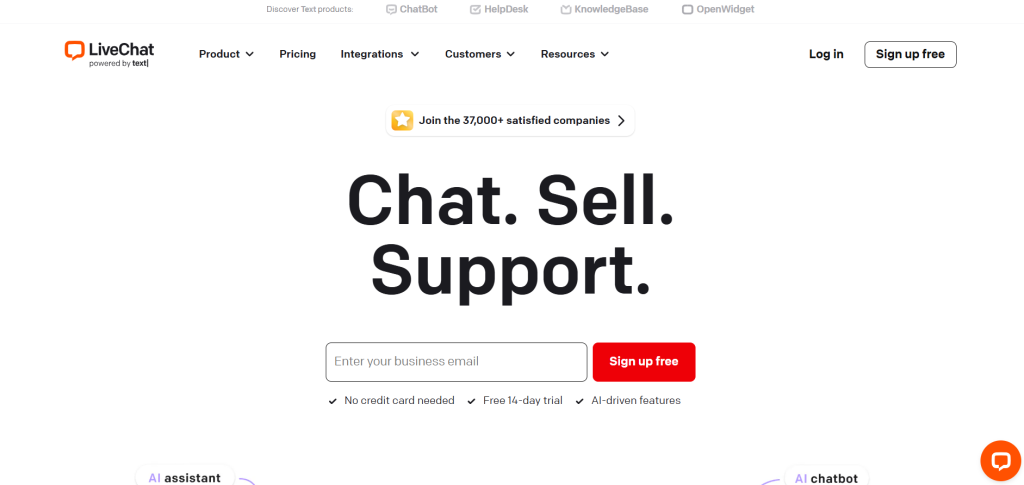
LiveChat is a powerful live chat platform designed for businesses that prioritize customer support efficiency and sales conversions. It offers advanced automation, AI-driven chatbots, and multichannel integration to streamline communication.
Key Features:
✔ AI-powered chatbots for automated customer responses
✔ Canned responses & ticketing system for fast support
✔ Seamless integrations with CRM, Shopify, and WordPress
✔ 24/7 customer support & analytics dashboard
Pros & Cons:
✅ Excellent automation & AI chatbot features
✅ Smooth CRM & ecommerce integration
✅ Fast response times with canned messages
❌ No free plan
❌ Pricing increases with more agents
Pricing: Starts at $20/month per agent (No free plan)
2. LiveAgent – Best for Help Desk & Ticketing
⭐ Rating: 9.2/10
Overview:
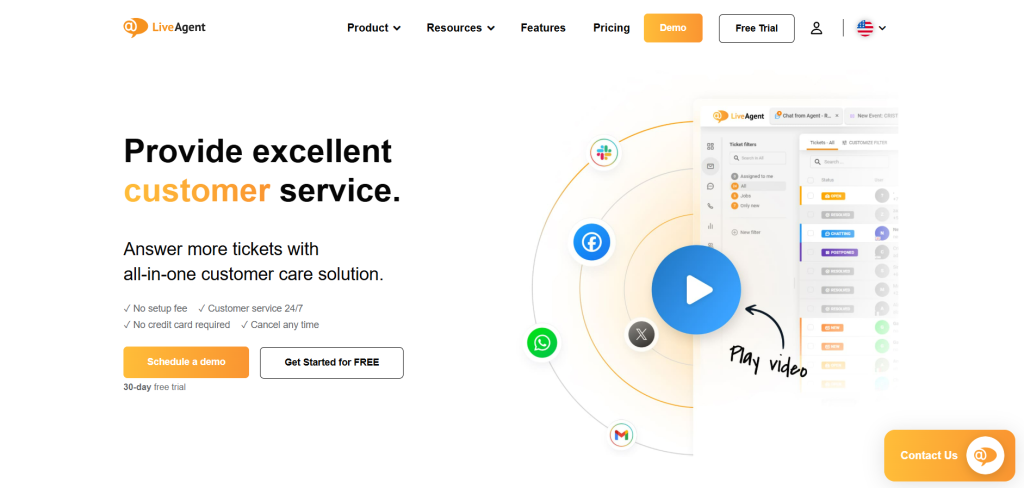
LiveAgent is best suited for businesses needing a help desk and ticketing system alongside live chat. It allows teams to manage support tickets, emails, live chat, and social media messages in one place.
Key Features:
✔ Omnichannel support (email, chat, social media)
✔ Automated ticketing system for better response management
✔ Real-time visitor tracking to engage customers proactively
✔ Custom chat widgets & chat history storage
Pros & Cons:
✅ Great for help desk & ticketing management
✅ Affordable pricing with a free plan
✅ Supports email, chat, and social media
❌ UI can feel slightly outdated
❌ Limited AI automation compared to competitors
Pricing: Starts at $15/month per agent (Free plan available)
3. Tidio – Best for Small Businesses & AI Chatbots
⭐ Rating: 9.0/10
Overview:
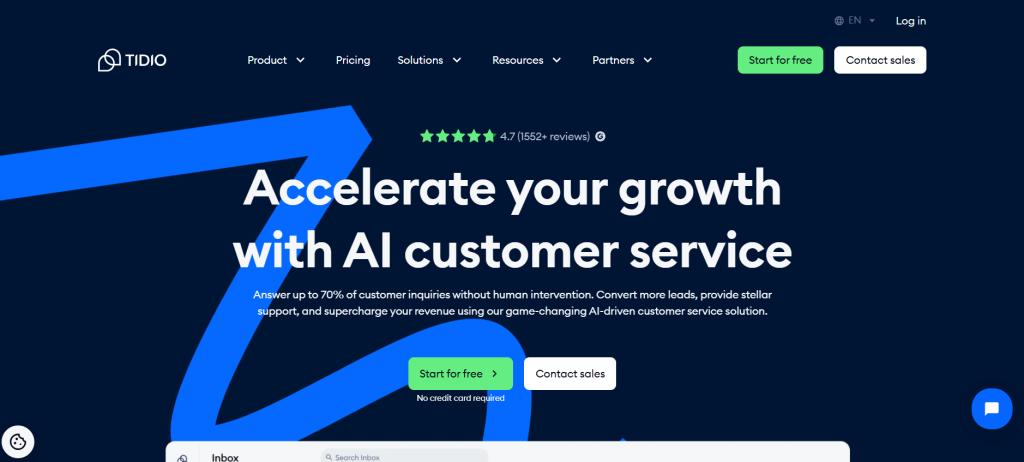
Tidio is a top choice for small businesses looking for AI-powered chatbots to handle customer interactions. It’s easy to set up and integrates well with WordPress, Shopify, and WooCommerce.
Key Features:
✔ AI-driven chatbots that automate responses
✔ Pre-designed chatbot templates for quick setup
✔ Multi-platform integrations (Facebook Messenger, Instagram, and live chat)
✔ Custom chat triggers to engage visitors proactively
Pros & Cons:
✅ Affordable with a free plan
✅ Easy-to-use AI chatbots for automation
✅ Seamless ecommerce integrations
❌ Limited reporting features
❌ Advanced automation available only in paid plans
Pricing: Starts at $15/month (Free plan available)
4. JivoChat – Best for Multichannel Communication
⭐ Rating: 8.8/10
Overview:
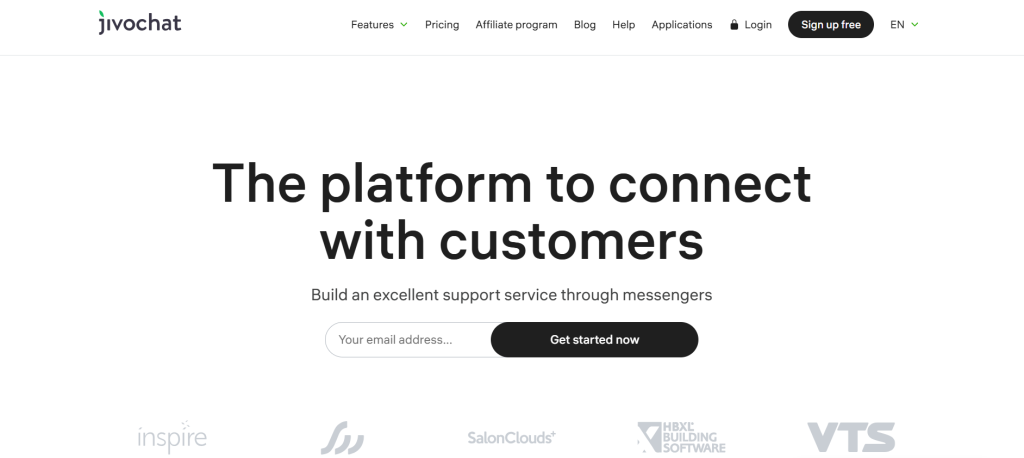
JivoChat is designed for businesses needing multichannel communication, including live chat, voice, email, and social messaging in one platform.
Key Features:
✔ Supports live chat, phone calls, and email responses
✔ Mobile app for on-the-go customer support
✔ CRM integration & lead tracking
✔ Multilingual chat support
Pros & Cons:
✅ Great for businesses with international customers
✅ Works across web, mobile, and social media
✅ Real-time visitor monitoring
❌ Voice features cost extra
❌ Limited AI chatbot capabilities
Pricing: Starts at $19/month per agent (Free plan available)
5. Crisp – Best for Startups & SMBs
⭐ Rating: 8.5/10
Overview:
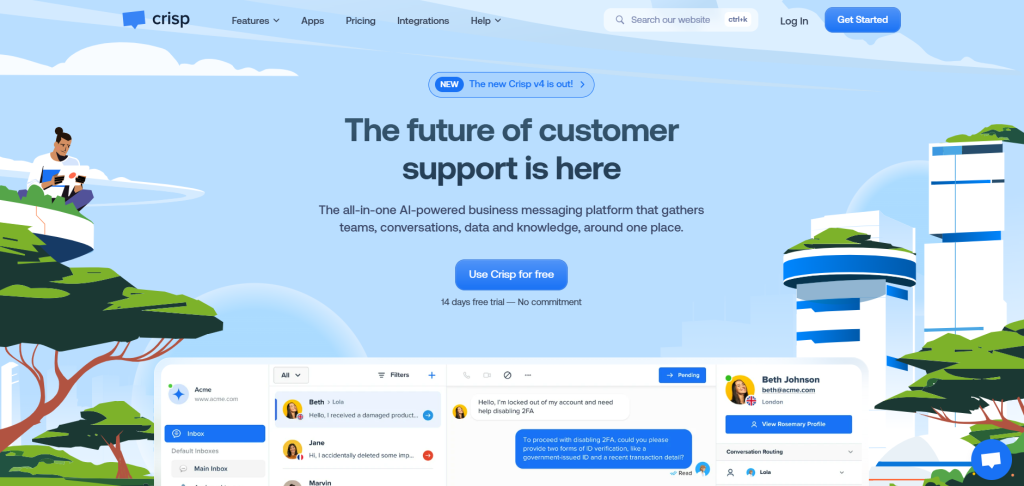
Crisp is a versatile live chat solution for startups and small businesses, offering multichannel messaging, chatbot automation, and shared team inboxes.
Key Features:
✔ Shared inbox for team collaboration
✔ Custom chatbots & automation flows
✔ Knowledge base integration for self-service
✔ Website visitor tracking & lead scoring
Pros & Cons:
✅ Affordable pricing with strong chatbot features
✅ Supports email, SMS, and social media
✅ Easy-to-use interface for small teams
❌ Limited reporting & analytics
❌ No phone support integration
Pricing: Starts at $25/month per agent (Free plan available)
6. Olark – Best for Simple Live Chat
⭐ Rating: 8.3/10
Overview:
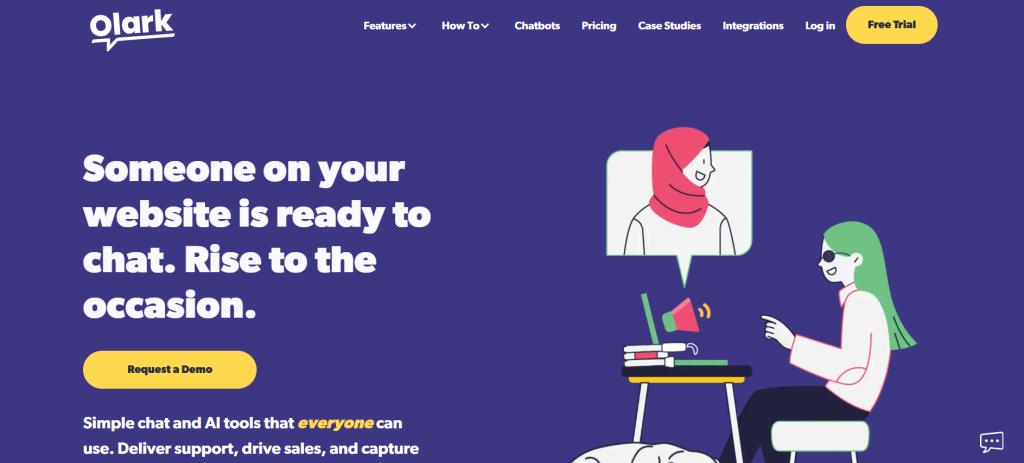
Olark is a basic but reliable live chat tool with easy customization, chat transcripts, and automation rules to streamline customer conversations.
Key Features:
✔ Custom chatbox branding
✔ Live chat analytics & reporting
✔ Automated chat messages & triggers
✔ Integrations with CRM & help desk tools
Pros & Cons:
✅ Simple and easy-to-use
✅ Affordable pricing
✅ Chat automation rules for efficiency
❌ No AI chatbots
❌ Limited multichannel support
Pricing: Starts at $29/month per agent (No free plan)
7. Provide Support – Best for Basic Live Chat Needs
⭐ Rating: 8.0/10
Overview:
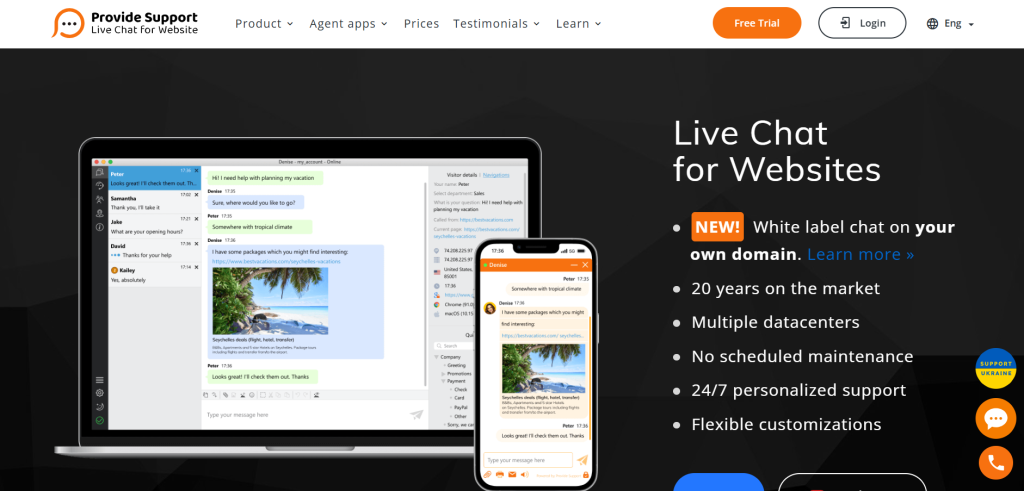
Provide Support is a straightforward live chat solution that focuses on real-time customer support without AI automation.
Key Features:
✔ Simple live chat widget for websites
✔ Visitor monitoring & chat history storage
✔ Custom chat window designs
✔ Easy setup & integration with WordPress
Pros & Cons:
✅ Affordable and reliable for basic chat needs
✅ No technical expertise required for setup
✅ Lightweight and easy to integrate
❌ No AI automation or chatbot features
❌ Limited reporting and analytics
Pricing: Starts at $15/month per agent (No free plan)
8. Online Chat Centers – Best for Outsourced Live Chat Services
⭐ Rating: 7.8/10
Overview:
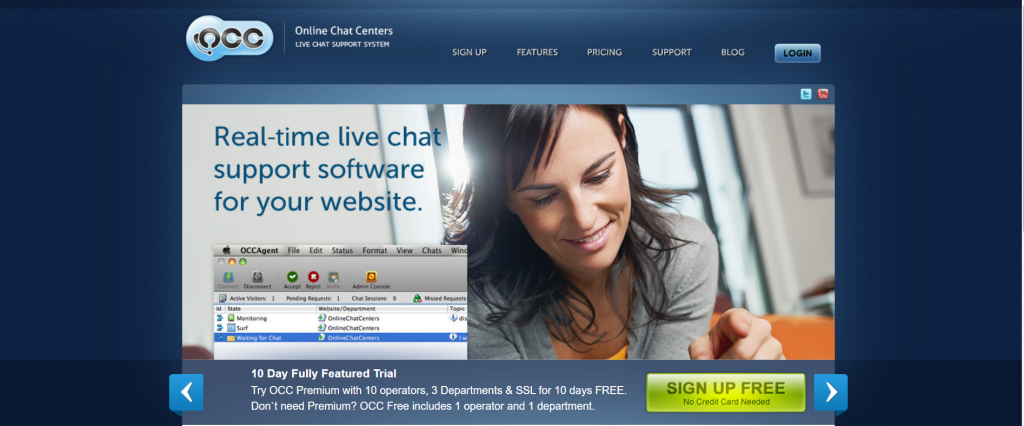
Online Chat Centers provides outsourced live chat support, where professional agents handle customer inquiries on behalf of businesses.
Key Features:
✔ 24/7 live chat support outsourcing
✔ Trained agents for customer interactions
✔ Performance analytics & reports
✔ Custom scripts & workflows
Pros & Cons:
✅ Ideal for businesses that don’t want to manage live chat in-house
✅ Can improve customer response time
✅ No need to hire internal support agents
❌ Expensive compared to other options
❌ Less control over customer interactions
Pricing: Starts at $99/month (No free plan)
Final Thoughts on the Best Live Chat Software
Each live chat solution offers unique benefits depending on your business needs:
- Best Overall: LiveChat – Ideal for professional customer support teams
- Best for Help Desk & Ticketing: LiveAgent – Great for handling support tickets efficiently
- Best for AI Chatbots & Small Businesses: Tidio – AI-powered automation at an affordable price
- Best for Multichannel Communication: JivoChat – Supports chat, email, and voice calls
- Best for Startups & SMBs: Crisp – Affordable live chat with chatbot support
- Best for Simple Live Chat: Olark – Straightforward real-time chat solution
- Best for Basic Live Chat Needs: Provide Support – Simple and lightweight live chat
- Best for Outsourced Live Chat Services: Online Chat Centers – Managed chat services for businesses
How to Choose the Right Live Chat Software
Choosing the best live chat software depends on your business size, customer support needs, budget, and automation preferences. Here’s a step-by-step guide to help you find the perfect solution.
1. Identify Your Live Chat Goals
Before selecting a live chat tool, ask yourself:
✅ Do I need AI chatbots for automation? (Best: Tidio, LiveChat)
✅ Do I need help desk & ticketing features? (Best: LiveAgent)
✅ Do I need multichannel communication (chat, voice, email)? (Best: JivoChat, Crisp)
✅ Do I need a simple real-time chat solution? (Best: Olark, Provide Support)
✅ Do I want to outsource live chat support? (Best: Online Chat Centers)
2. Consider Features & Automation Capabilities
The right live chat software should include the features you need for your business type.
| Feature | Best Platforms |
|---|---|
| AI chatbots & automation | Tidio, LiveChat |
| Help desk & ticketing system | LiveAgent |
| Multichannel support (live chat, voice, email, social media) | JivoChat, Crisp |
| Ecommerce integrations (Shopify, WooCommerce, Magento) | LiveChat, Tidio |
| Visitor tracking & proactive chat triggers | LiveChat, JivoChat |
Tip: If you’re handling large customer inquiries, consider platforms with AI automation and advanced routing.
3. Compare Pricing & Free Plans
Pricing varies based on features, number of agents, and AI capabilities.
| Budget Level | Best Live Chat Software |
|---|---|
| Free Plan Available | LiveAgent, Tidio, JivoChat, Crisp |
| Budget-Friendly | LiveAgent, Provide Support |
| Mid-Range Pricing | LiveChat, JivoChat |
| Premium Features (Higher Cost) | Online Chat Centers (Outsourced Support) |
Tip: Start with a free plan or free trial before committing to a paid plan.
4. Check Integrations with Other Business Tools
Ensure the live chat software integrates with:
✔ Ecommerce platforms (Shopify, WooCommerce, Magento)
✔ CRM software (HubSpot, Salesforce, Zoho CRM)
✔ Help desk solutions (Zendesk, Freshdesk, LiveAgent)
✔ Marketing automation tools (Mailchimp, ActiveCampaign)
Best Platforms for Integrations:
- Best for Ecommerce: LiveChat, Tidio
- Best for CRM & Help Desk: LiveAgent, JivoChat
- Best for Multichannel Support: Crisp
5. Look for Ease of Use & Customer Support
If you’re a beginner, ease of use is key.
- Best for Beginners: Olark, Provide Support
- Best for Advanced Features: LiveChat, Tidio
- Best for 24/7 Customer Support: LiveAgent, Online Chat Centers
Tip: Choose a platform that offers good customer support, such as live chat, email, or phone assistance.
6. Test the Platform Before Committing
Tip: Sign up for a free trial or free plan to test usability, integrations, and features.
✅ Platforms with Free Plans: LiveAgent, Tidio, JivoChat, Crisp
✅ Platforms with Free Trials: LiveChat, LiveAgent, Tidio
Final Checklist: Choosing the Right Live Chat Software
Before making a final decision, ask yourself:
✔ What’s my primary goal? (Automation, ticketing, multichannel, outsourcing)
✔ How many agents do I need?
✔ Do I need AI automation, or just basic chat features?
✔ What’s my budget?
✔ Do I need integrations with my ecommerce or CRM system?
✔ Is customer support available when I need help?
By considering these factors, you’ll find the best live chat software that fits your business needs and budget.