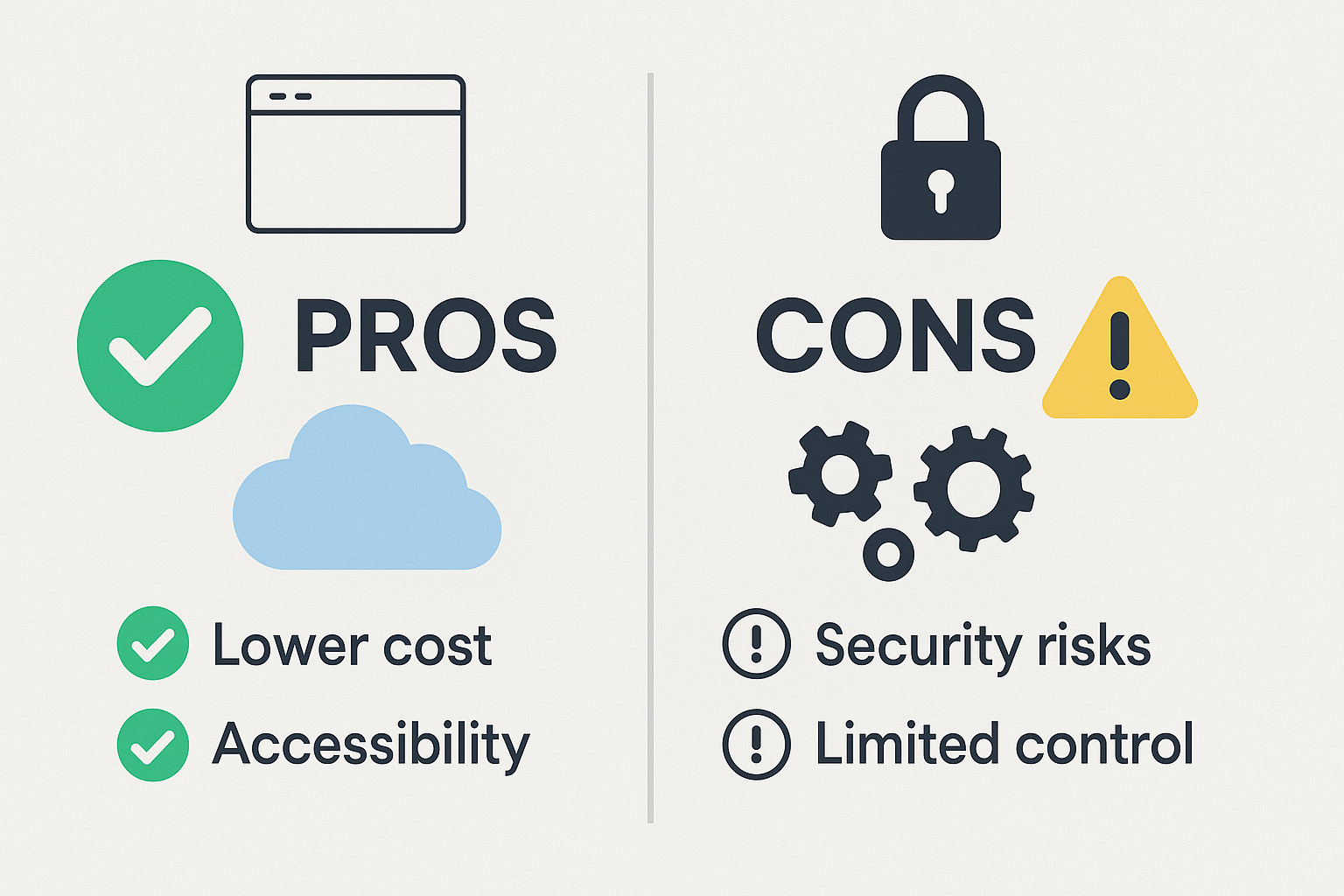
Software as a Service (SaaS) has revolutionized how businesses operate—offering flexible, subscription-based access to tools that once required expensive, on-premise installations. But like any technology solution, SaaS comes with both benefits and limitations.
This guide will walk you through the key pros and cons of using SaaS so you can make an informed decision for your business.
What Is SaaS?
SaaS stands for “Software as a Service.” Instead of downloading software to your local device, you access it through the cloud—usually via a web browser. Popular examples include Google Workspace, Salesforce, Shopify, and Slack.
Pros of Using SaaS
1. Lower Upfront Costs
Traditional software often requires large, one-time licensing fees. SaaS platforms typically offer monthly or annual subscription plans, reducing financial barriers for startups and small businesses.
2. Easy Access and Remote Work
Because SaaS is cloud-based, you can access tools from anywhere with an internet connection. This supports flexible and remote work environments, which are increasingly the norm.
3. Automatic Updates and Maintenance
No need to worry about installing the latest version—SaaS tools update themselves automatically. This ensures you’re always using the most secure and feature-rich version.
4. Scalability
SaaS solutions can grow with your business. Whether you’re adding more users or upgrading features, you can typically scale your plan without needing to overhaul your system.
5. Integration with Other Tools
Most SaaS platforms offer robust integrations with other services (via APIs or platforms like Zapier), allowing you to build streamlined, automated workflows.
6. Faster Implementation
With no physical installation required, you can get started with most SaaS platforms in minutes. Many offer prebuilt templates, onboarding flows, and easy setup for non-technical users.
Cons of Using SaaS
1. Recurring Costs Over Time
While upfront costs are low, long-term subscription fees can add up. Depending on the tool and team size, it might become more expensive than a one-time software license.
2. Dependence on Internet Connectivity
If your internet is down, access to your SaaS tools is likely down too. This can be critical if your business heavily relies on always-on access.
3. Limited Customization
SaaS platforms are often built to serve a wide user base. That means fewer opportunities for deep customization unless you’re on an enterprise plan or have access to APIs.
4. Security Concerns
While most major SaaS providers follow strict security protocols, your data still resides on external servers. For some industries, this raises compliance or privacy concerns.
5. Vendor Lock-In
It’s not always easy to migrate from one SaaS platform to another. Exporting data, retraining staff, and integrating new tools can be costly and time-consuming.
Is SaaS Right for Your Business?
It depends on your priorities. SaaS is a great fit if you’re looking for:
- Fast implementation
- Remote team collaboration
- Scalable monthly costs
- Minimal IT overhead
However, if you require total control, offline capabilities, or strict on-premise security, a traditional or self-hosted software model might be better.
Conclusion
SaaS has become the backbone of modern business operations—for good reason. It provides flexibility, scalability, and access to cutting-edge tools without heavy investment.
Still, every business has unique needs. Weigh the pros and cons carefully, especially as you scale, and choose tools that align with your workflow, budget, and data policies.
Quick Summary Table
| Category | SaaS Advantage | SaaS Limitation |
|---|---|---|
| Cost | Lower upfront cost | Potential for high long-term costs |
| Access | Use anywhere with internet | Offline access not possible |
| Maintenance | Auto updates and low IT burden | Less control over update timing |
| Customization | Easy to start with default setup | Limited deep customization |
| Security | Vendor-managed security infrastructure | External hosting may raise compliance issues |